Get Carmentis Desk
Carmentis Desk is a cross-platform desktop application that handles all common tasks related to the Carmentis ecosystem. It acts as your wallet manager and as a console for application developers and node holders.
Features
Carmentis Desk allows you to:
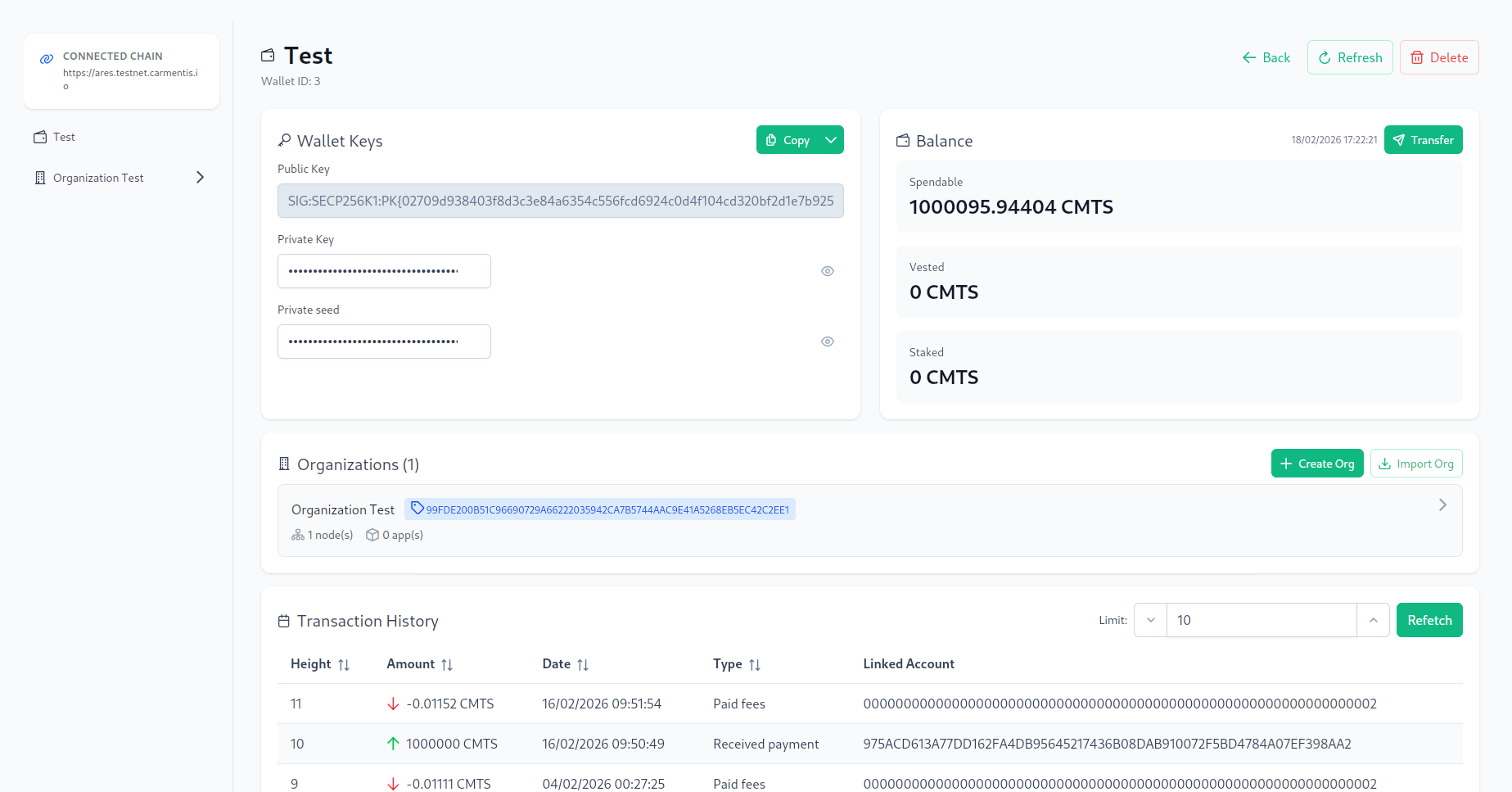
- Manage your wallets: create or import several wallets, each on its own network, check your balance, transfer tokens and read your transaction history.
- Manage your organizations, applications and nodes: create and publish them on-chain, claim a node, stake on it, and anchor certificates.
- Hold verifiable credentials: store SD-JWT credentials and present them when an application asks for it.
- Answer requests from applications: authenticate to a website, sign a message or present a credential, always after your explicit approval.
- Log in to your operators: Desk authenticates you (public-key authentication) to the operator's admin UI, where you configure it.
Download
Carmentis Desk can be easily installed on your system using the following links:
Carmentis Desk v1.33.0 (Latest)
info
Links above are keep up to date manually. Due to speed development process, above links might not reflect the latest version. See all latest releases.
First launch
- Create your vault password. On first launch, Desk asks for a password of at least 8 characters. It protects the secrets (such as your wallet keys) stored on your machine.
- Unlock Desk. On the following launches, enter this password to unlock Desk.
- Create your first wallet. See Manage your wallets.
Settings
In Settings, you can:
- Choose your roles. Desk shows only what you need. Enable developer to get the Applications and Custom data tabs, and the Logs. Enable node holder to get the Nodes tab. The Organizations tab is shown if either role is enabled.
- Check for updates. Desk can download and install a new version, then relaunch.
- Export or clear the logs (developer role).